Cricut Stencil Maker with Compound SVG & Island Bridges
A local stencil bench for photos, tattoos, and cut files
Build cut-ready mylar, vinyl, and cardstock templates with a cricut stencil maker engineered for clean plotter paths. Process PNG, JPG, and WebP files up to 16 MB in your browser Canvas, bridge trapped cutout islands in one click, and export true 72 DPI compound SVG files for Cricut Design Space and Silhouette Studio.
Cricut Stencil Maker: Compound SVG & Island Detection
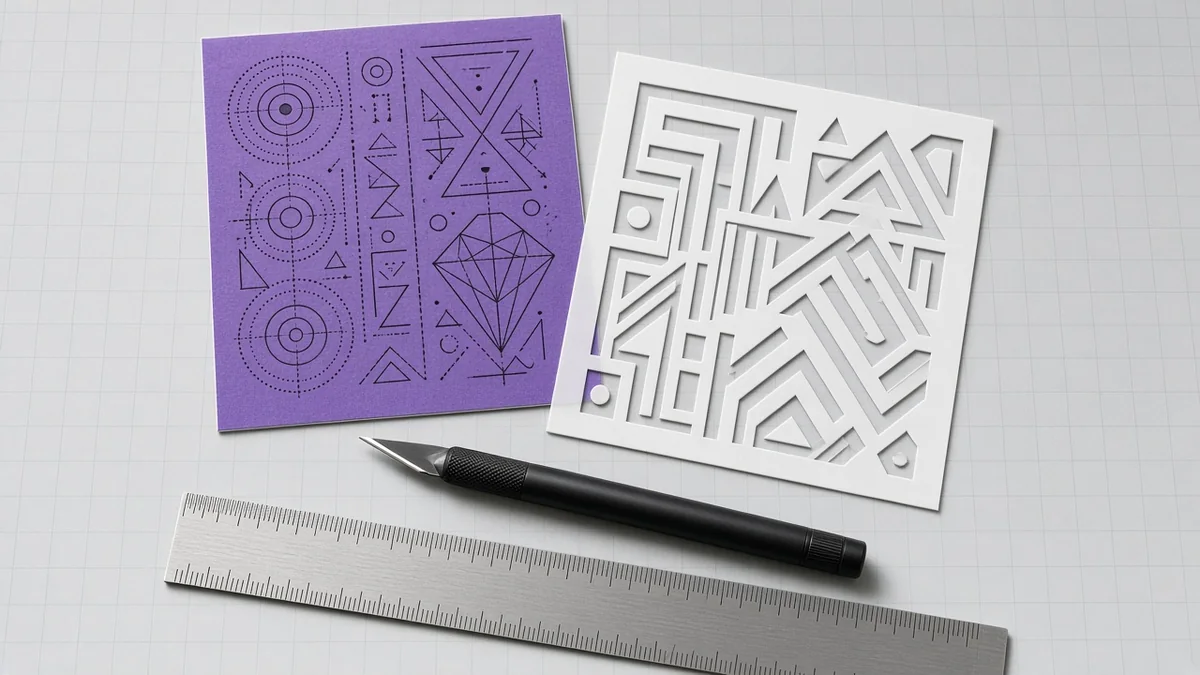
Nothing ruins a Cricut weeding session faster than loose centers inside letters O, A, and B dropping off your cutting mat. This cricut stencil maker runs a Floating Island Detector that highlights every enclosed template cutout before export. With 1-click Auto-Bridge Islands, you add mm-calibrated material tabs across trapped regions, or refine pattern paths manually using the Cut Bridge brush and Add Ink brush. Once cutout bridges look solid, our cricut stencil maker exports true compound-path SVG using fill-rule="evenodd" so inner holes in typography, eyes, and petals stay nested inside their outer pattern shape. Every vector contour maps to exact 72 DPI physical units, so Cricut Design Space and Silhouette Studio import your cricut stencil at true cm or inch size without manual scaling. Toggle optional corner registration marks to keep multi-sheet Cricut vinyl layouts aligned on wood or canvas.
Multi-Layer Craft Separations & Local Browser Privacy
Single-pass vinyl cutout masks are only the beginning inside this cricut stencil maker. Pick Multi-Layer Craft mode to split artwork into stacked 2-tone or 3-tone pattern layers, or switch to Sauvola Adaptive B&W with auto-exposure contrast stretch and XDoG Clean Line Art for crisp single-color cuts. Because optional corner registration marks align each stacked sheet, multi-color Cricut stencil painting stays accurate. Every cricut stencil project runs purely inside browser Canvas memory for files up to 16 MB, stripping EXIF and GPS tags on decode while measuring only cookieless aggregate page traffic without ad trackers. If you also hand-cut mylar alongside your Cricut blade, this cricut stencil maker exports a 300 DPI 1:1 Multi-Page Tiled Printable PDF for A4 or US Letter with 1 cm overlap, outside alignment marks, R1C1 tile tags, a 1 in / 2.54 cm calibration bar, and a standalone Calibration Test Sheet PDF.
Export True-Scale SVG for Your Cricut Mat
Drop a PNG, JPG, or WebP up to 16 MB into our cricut stencil maker, connect floating cutout islands with calibrated tabs, and download clean compound design paths.
Common Questions
Frequently Asked Questions
Why do SVG files from this cricut stencil maker keep exact size on import?
Exports map vector coordinates to true 72 DPI physical units with explicit cm or inch dimensions. When you upload the cricut stencil to Cricut Design Space or Silhouette Studio, your stencil lands on the mat at exact target size.
How does the cricut stencil maker preserve inner holes in O, A, and B?
Every vector export writes true compound paths with fill-rule="evenodd" instead of ungrouped overlapping layers. That keeps letter counters, eyes, and petal cutouts properly punched inside each Cricut stencil sheet.
What does the Floating Island Detector fix on a cricut stencil?
It highlights enclosed template islands that would detach completely once cut from vinyl or mylar. Fix them inside this workbench using 1-click Auto-Bridge Islands at a mm-calibrated width or the Cut Bridge brush.
Can I create layered multi-color projects in the cricut stencil maker?
Yes, Multi-Layer Craft mode separates designs into stacked 2-tone and 3-tone stencil layers. Enable optional corner registration marks so each layer of your cricut stencil aligns cleanly on your Cricut project.
Does the cricut stencil tool upload craft files or track my designs?
No, PNG, JPG, and WebP files up to 16 MB stay strictly in local browser memory with EXIF and GPS data stripped on decode. We record only cookieless aggregate page traffic without ad trackers.